
Honda Civic Service Manual: Front Door Outer Handle Removal and Installation (4-door)
818110 LEFT
819110 RIGHT

| 1. | Front Door Power Window Switch Panel (4-door) |
|
|
|
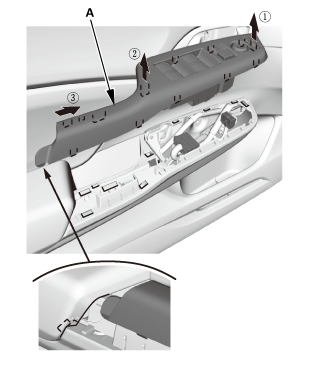
| 2. | Front Door Panel - Driver's Side (4-Door) |
|
|
|
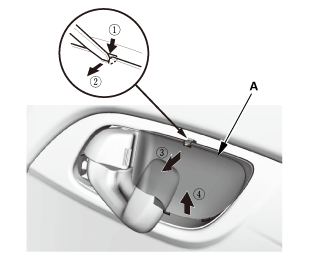
|
|
|
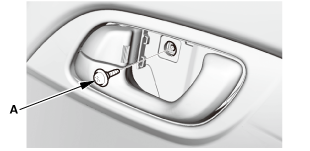
|
|
|
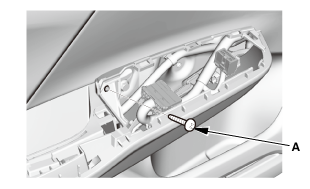
|
|
|
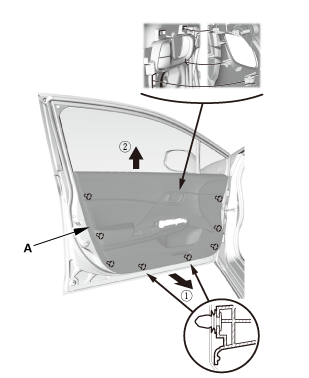
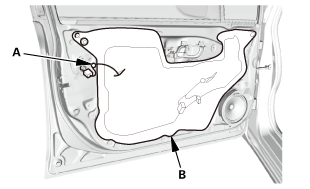
| 3. | Front Door Plastic Cover As Needed (4-door) |
|
|
|
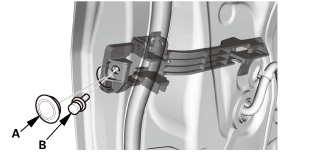
| 4. | Door Lock Cylinder |
|
|
|
|
|
|
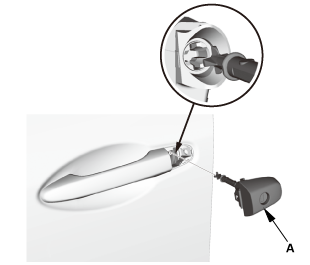
| 5. | Front Door Outer Handle (4-door) |
|
|
|
|
|
|
|
|
|
|
|
|
|
|
|
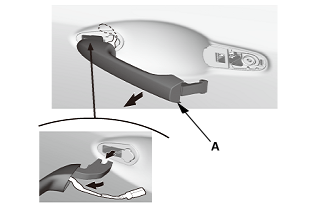
|
|
|
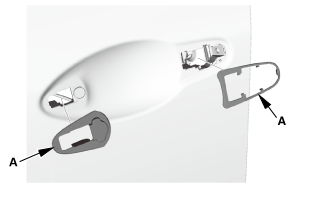
|
|
|
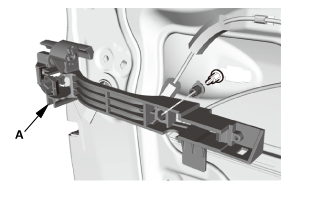
|
|
|
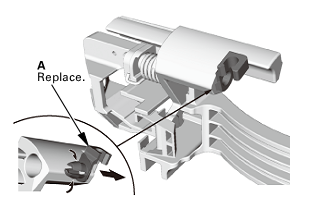

| 1. | Front Door Outer Handle |
|
|
|
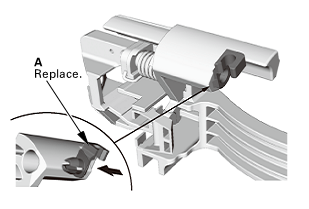
|
|
|
|
|
|
|
|
|
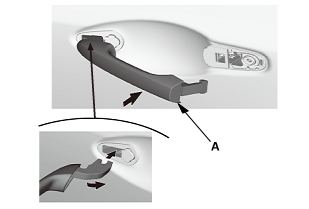
|
|
|
|
|
|
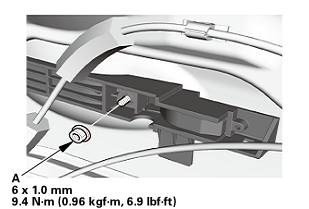
|
|
|
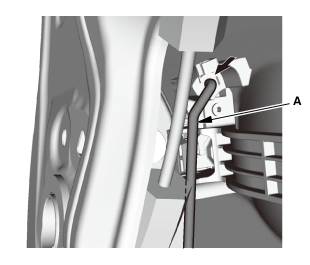
|
|
|
| 2. | Door Lock Cylinder |
|
|
|
|
|
|
| 3. | Front Door Plastic Cover as Needed (4-door) |
|
|
|
| 4. | Front Door Panel - Driver's Side (4-Door) |
|
|
|
|
|
|
|
|
|
|
|
|
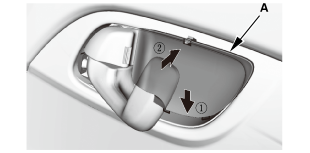
| 5. | Front Door Power Window Switch Panel (4-door) |
|
|
|
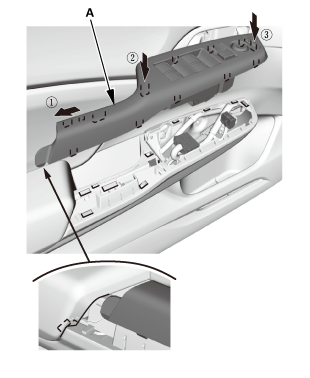
 Front Door Inner handle Removal and Installation (4-door)
818120 LEFT
819120 RIGHT
Removal
1.
Front Door Power Window Switch Panel (4-door)
...
 Front Door Panel Removal and Installation (2-door)
Removal
1.
Front Door Panel (2-Door)
1.
Remove the inner handle ...
See also:
Honda Civic Owners Manual. If the Smart Entry Remote Battery is
Weak
Models with smart entry system
If the beeper sounds, the To Start, Hold Remote Near Start Button message
appears on the driver information interface, the ENGINE START/STOP button
flashes, and the engine won't start. Start the engine as follows:
Touch the center of the ENGINE START/
...
