
Honda Civic Service Manual: Trunk Lid Adjustment (Except Natural Gas models)

Removal
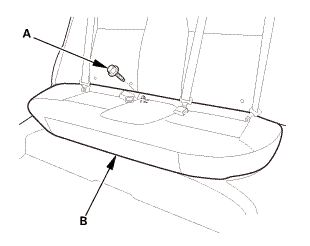
| 1. | Rear Seat Cushion |
|
|
|
|
|
|
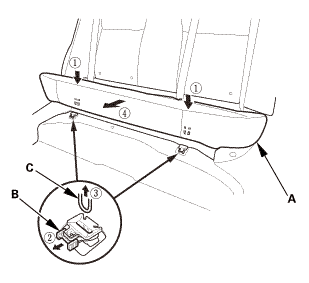
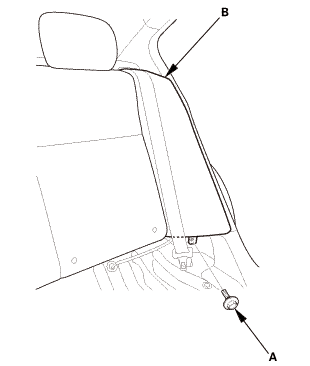
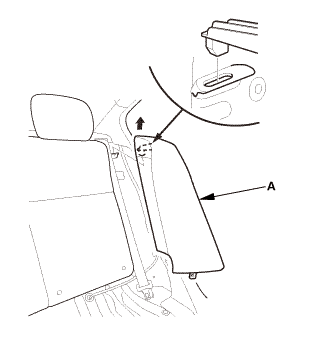
| 2. | Both Rear Seat Side Bolsters |
|
|
|
|
|
|
| 3. | Both Rear Door Opening Seals as Needed |
|
|
|
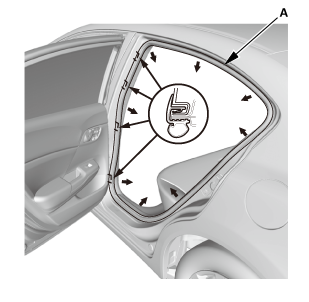
| 4. | Both C-Pillar Trims |
|
|
|
||||||||||||
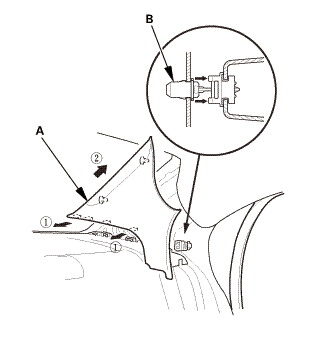
|
|
|
 Adjustment
| 1. | Trunk Lid Adjustment |
|
1. |
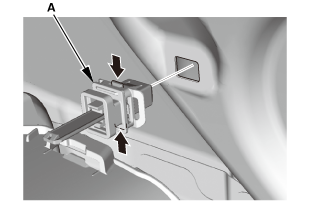
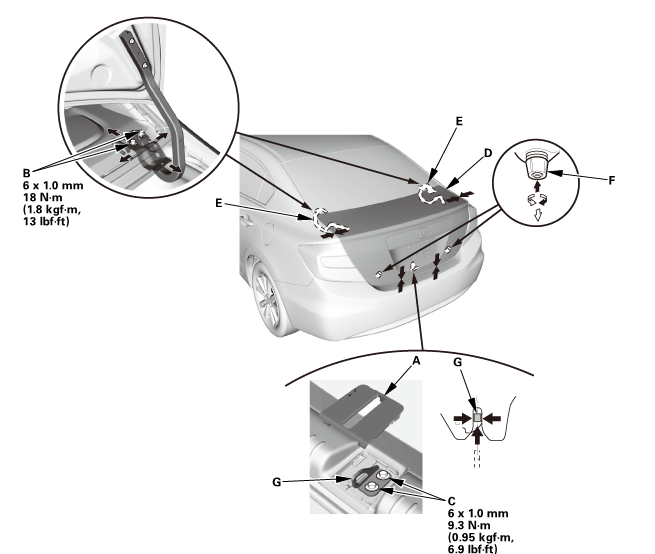
Release the hooks, then remove the rear panel cap (A). |
 mu-ru
mu-ru
|
2. |
Slightly loosen the trunk lid hinge bolts (B) and the striker bolts (C). |
|
3. |
Adjust the trunk lid (D) alignment in the following sequence: |
|||||||||||||
|
||||||||||||||

|
4. |
Tighten each bolt to the specified torque. |
|
5. |
Make sure the trunk lid opens properly and locks securely. |

Installation
| 1. | Both C-Pillar Trims |
|
|
|
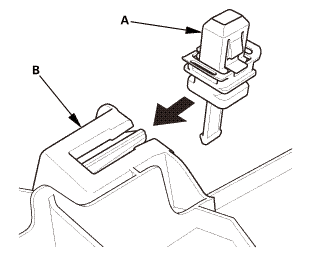
|
|
|
||||||||||||||||||||||||
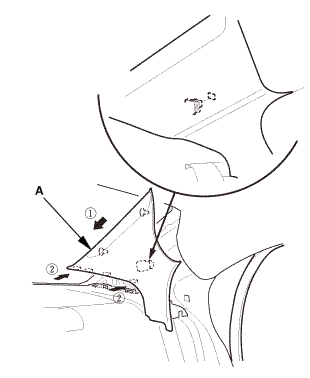
| 2. | Both Rear Door Opening Seals as Needed |
|
|
|
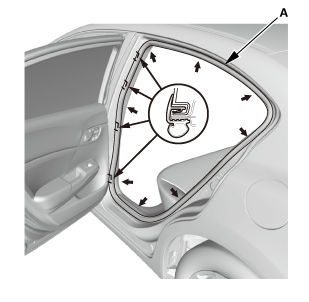
| 3. | Both Rear Seat Side Bolsters |
|
|
|
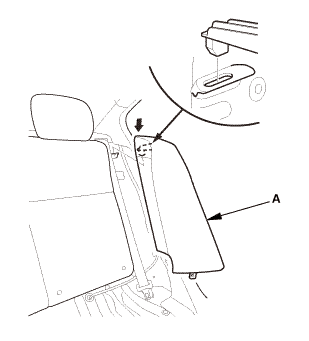
|
|
|
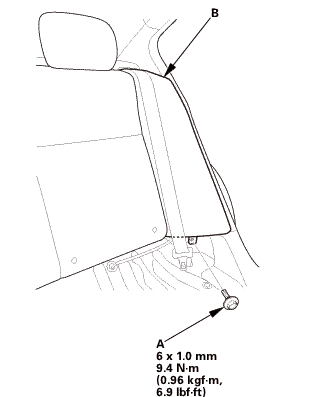 mmmmlnss
| 4. | Rear Seat Cushion |
|
|
|
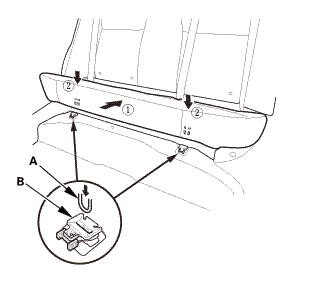
|
|
|
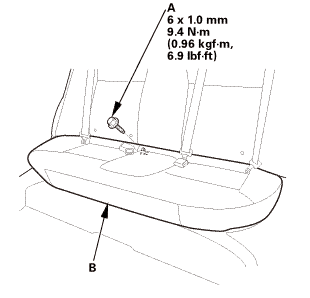

 Trunk Lid Lock Cylinder Removal and Installation (2-door DX models except
KC models)
Trunk Lid Lock Cylinder Removal and Installation (2-door DX models except
KC models)
823110
Removal
1.
Trunk Lid Lock Cylinder
1.
Disconnect ...
See also:
Honda Civic Owners Manual. Wireless Charger
To use the wireless charger, the power mode must be in ACCESSORY or ON.
Charge a compatible device on the area indicated by the
mark as follows:
1. To turn the system on and off, press and
hold the (power) button.
When the system is activated, the green
indicator light comes on.
...
