



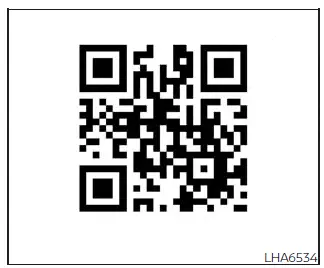
For detailed information about the NissanConnect system in the Nissan Kicks, refer to the digital NissanConnect Owner's Manual using the QR code shown on this page, or use the printed NissanConnect Owner's Manual if it is supplied with your vehicle.
The NissanConnect Owner's Manual provides instructions and operating details for several connected, audio, phone, and display functions available in the Nissan Kicks, including:
- NissanConnect Services, if equipped
- Audio system operation
- Apple CarPlay
- Android Auto
- Bluetooth Hands-Free Phone system
- Viewing vehicle and system information
- Other system settings
- Voice Recognition
- General system information
WARNING
- Heating, air conditioning, display, and infotainment controls should not be adjusted in a way that distracts the driver while the Nissan Kicks is moving. Always give full attention to driving.
- Do not disassemble, alter, or modify this system. Improper handling may cause an accident, fire, electrical shock, or system failure.
- Do not continue using the system if you notice abnormal operation, such as a frozen screen, no sound, repeated restarting, or delayed response. Continued use may lead to an accident, fire, or electric shock.
- If a foreign object enters the system hardware, liquid is spilled on the unit, or smoke or unusual odor
is noticed, stop using the system immediately.
Ignoring these conditions may result in an accident, fire, or electrical shock. It is recommended that the Nissan Kicks be inspected by a NISSAN dealer.